
Tell the LongTable assistant how your club is run. It proposes your positions, what each can do and who holds them, on the real Positions and access page, and nothing is saved until you add them.
Why use it
LongTable gives access by position, not by person, so when someone steps down their access goes with the title.
The usual positions for your kind of club are one answer away, or describe your own: a Chair stays a Chair.
Each person you name can be invited straight into their position.
Set up your positions
Select the assistant button at the bottom right and ask it to help with your positions. On an empty Positions and access page, under Configuration, you can select Set them up with the guide instead. If you see neither, an admin may have turned the assistant off. They can turn it back on under Configuration › Club, in Features: turn on Assistant.

Pick how to start. The assistant offers the usual positions for your kind of club, a short guided tour of the page first, or to hear how your club does it differently.
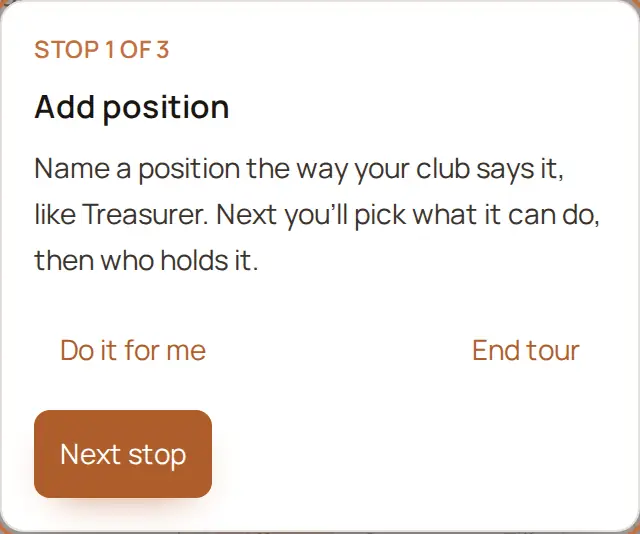
If your club does it differently, say who does what in your own words: “I’m the Chair, not President, and I do the money too. No secretary. Priya and Lee lead our trips.”
Check the proposal on the page: each position, who holds it and what it can do. What the guide assumed lists any guesses.
Change anything with Edit or Remove on a position, or select Discard to throw the whole proposal away.
Select Add N positions.
Two people who share a job are one position with two holders, and one person can hold several positions, you included. The guide suggests admin only for your club’s lead position and, if you agree, one backup.
Once you add them, the guide tells you what was saved, and what you changed from its proposal. If you hold none of the new positions, it offers once to give you one, and that takes one more confirmation from you. If you are the only person who can manage the club, it then asks whether someone else could step in when you're away. You can name them or say not now.
Invite someone into a position
When you add the positions, anyone you named who is already a member gets their position straight away. Anyone who isn't a member yet gets an invitation into their position, if you gave their email address: the email names your club and the position and lists what the position can do. Someone with no email address is left out until you add one; open their position to invite them.
If something goes wrong
<Name> wasn’t invited: no email. Open <position> to invite them.
There’s already a position called <name>. Rename this one or remove it.
<Name> isn’t one of your members. Remove them from this position, or ask the guide again.
Couldn’t add this position. Try again.