
When you choose a paid plan, you pay on Stripe's secure page, not in LongTable. LongTable never sees your card.
Why use it
Your card details stay with Stripe, the payment company, and never reach LongTable.
A club that hasn't used its one 30-day demo starts with it, and the card is only charged when the demo ends.
If you leave Stripe's page without paying, nothing is charged and your club stays on its plan.
Pay for your plan
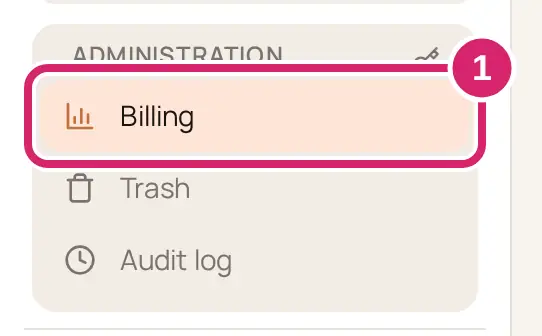
Go to Administration › Billing.
On the Plan tab, find the plan you want and select its button: Start <plan> demo while your club still has its demo, or Start <plan>.
On the confirmation, check the plan and when it takes effect, then select Continue to checkout.
Enter your card on Stripe's checkout page and confirm.
Stripe's page opens in the same browser tab. When you finish, you come back to Billing, which shows Payment received. We’re setting up your plan… until the new plan appears.
If you don't finish
If you leave Stripe's page without paying, Billing says Checkout didn’t finish, so nothing was charged. <Your club> is on <plan>. Select Continue to checkout to open Stripe's page again for the same plan, or Choose later. A club that had its demo is offered it again.
Change your card later
Go to Administration › Billing.
Select Payment settings. If you're an admin, select Continue to payment settings too.
Payment settings open on Stripe's page in a new tab.
If something goes wrong
We couldn’t confirm your free demo yet, so nothing was started. Try again in a moment. You went back to checkout soon after leaving it, and Stripe hasn't released the demo yet. Wait a minute and try again.
Plan changes aren’t available right now, so nothing was changed. Try again later.
We couldn’t finish that. Try again in a moment.